Digital Marketing Expert

Maaz Chandia

AdSense · ADX · Shopify

Professional digital marketer specializing in YouTube growth, Shopify store development, Blogging monetization, Adsense & ADX optimization, and result-driven SEO strategies.

YouTube Shopify Blogging Adsense & ADX SEO Digital Marketing
Maaz Chandia - Digital Marketing Expert
Professional Expertise

My Skills

YouTube
Shopify
Blogging
Adsense
& ADX
SEO
Digital
Marketing
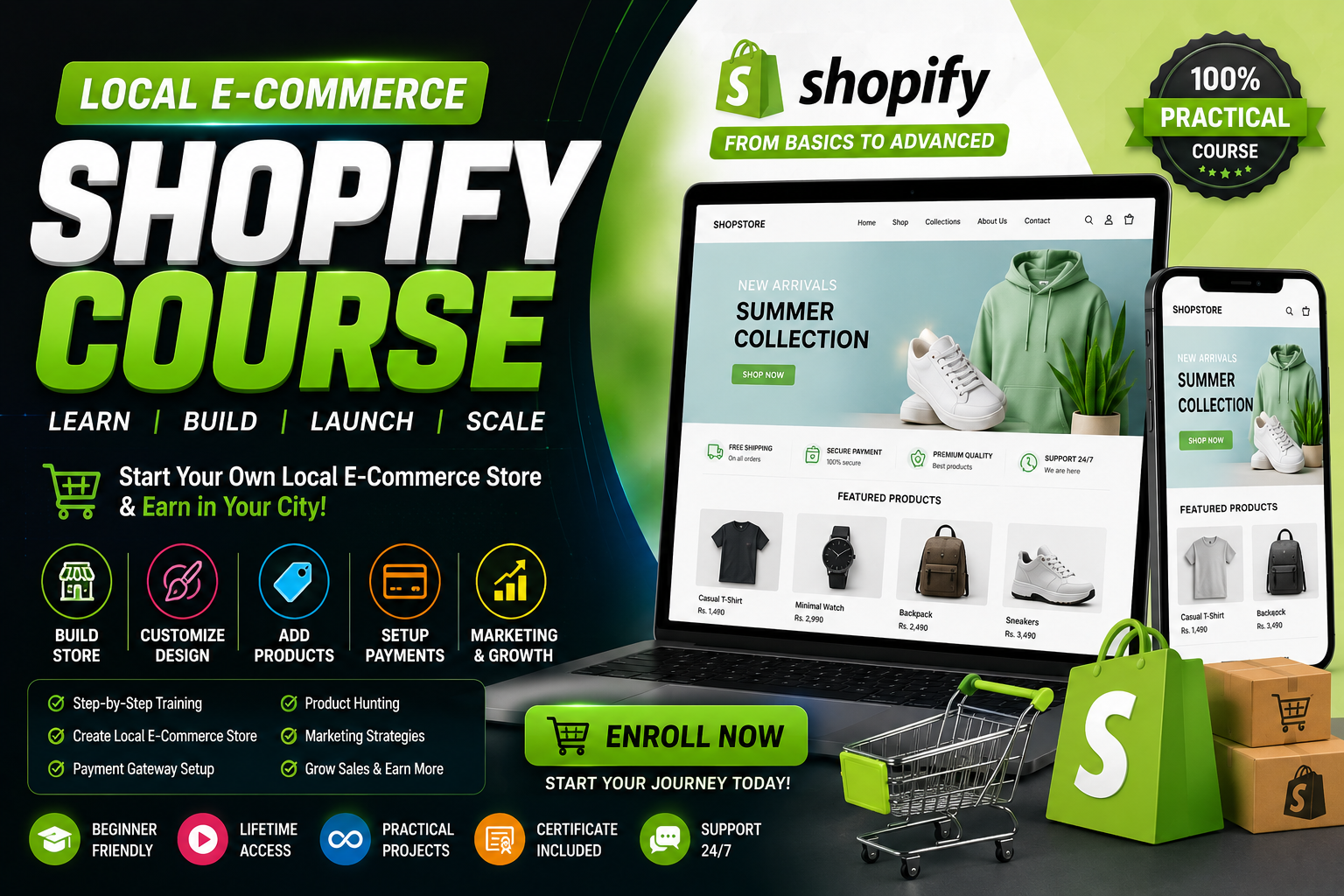
Local E-Commerce Shopify Course Popular

Local E-Commerce Shopify Course

  • Complete Shopify Store Setup
  • Product Research & Sourcing
  • Local Market Strategies
  • Payment Gateway Integration
  • Facebook & Instagram Ads
  • Order Fulfillment System
  • 24/7 Support & Mentorship
Rs 12,000
Limited seats available
Enroll Now → View Full Details
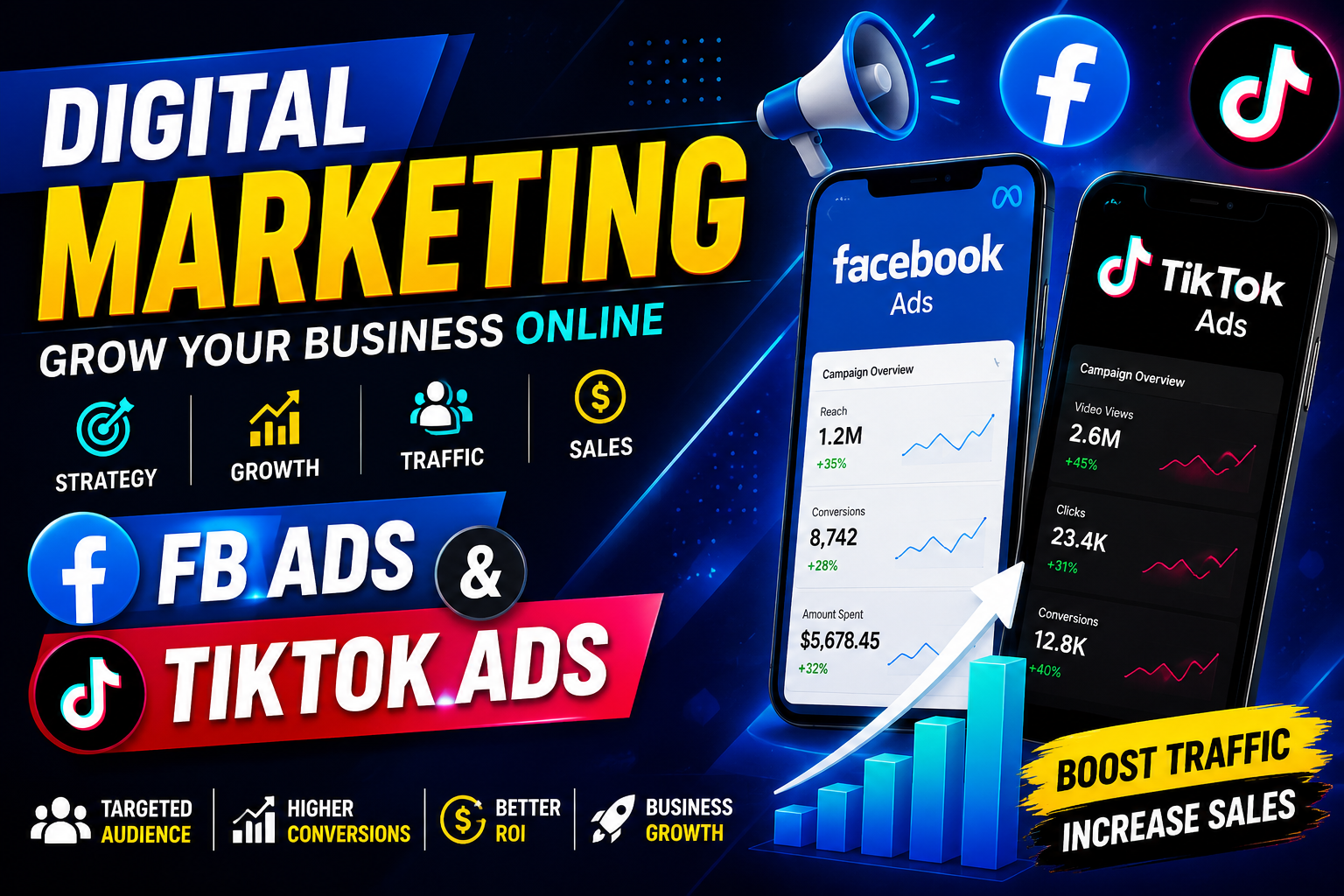
Digital Marketing, FB Ads, TikTok Ads Hot

Digital Marketing, FB Ads & TikTok Ads

  • Complete Digital Marketing Blueprint
  • Facebook Ads Mastery
  • TikTok Ads Strategies
  • Audience Targeting Secrets
  • Ad Creative Optimization
  • ROI Tracking & Scaling
  • Live Case Studies Included
Rs 10,000
Early bird offer
Enroll Now → View Full Details
How I Work

My Process

01

Research

Deep market analysis and competitor research to find the best opportunities.

02

Strategy

Custom roadmap creation with clear milestones and measurable goals.

03

Execution

Implementing proven tactics with precision and attention to detail.

04

Optimize

Continuous testing and refinement to maximize results and ROI.

05

Results

Delivering measurable success with data-driven reports and growth.

Latest Work Proof

Live Proofs

Slide 1
01

YouTube Masterclass

Learn to grow your channel from 0 to millions of subscribers with proven strategies.

Slide 2
02

Shopify Empire

Build a 7-figure e-commerce store with dropshipping and private label mastery.

Slide 3
03

Blogging Pro

Create high-traffic blogs that generate passive income through content marketing.

Slide 4
04

Adsense Revenue

Maximize your ad revenue with Google Adsense and ADX optimization techniques.

Slide 5
05

SEO Domination

Rank #1 on Google with advanced on-page and off-page SEO strategies.

Slide 6
06

Digital Marketing

Master social media marketing, email campaigns, and brand building online.

Slide 7
07

Analytics Insights

Data-driven decisions with Google Analytics and advanced tracking methods.

Slide 8
08

Content Creation

Produce viral content that engages audiences and drives massive traffic.

Slide 9
09

Affiliate Marketing

Build profitable affiliate partnerships and earn commissions while you sleep.

Slide 10
10

Business Growth

Scale your online business with automation and strategic growth hacking.

FAQ Section – White Background
Got Questions?

Frequently Asked

Adsense ads may not load due to ad blockers, incorrect ad code placement, policy violations, or slow page speed. Ensure your site is approved, the ad code is placed between <body> tags, and there are no JavaScript errors. Also check if your account is active and not under review.
Slow ADX loading is usually caused by heavy ad scripts, poor server response time, or unoptimized images. Use lazy loading for ads, enable caching, compress images, and consider using a CDN. Also ensure your ad slots are properly configured in Google Ad Manager.
Blank ad spaces occur when no ads are available for your niche, geo-location, or device. This is called "unfilled impressions." Fix it by enabling backfill ads, using multiple ad networks, or adding fallback house ads. Also verify your content category is not restricted.
Speed up ad loading by implementing asynchronous ad codes, removing render-blocking scripts, optimizing Core Web Vitals, and using passback tags. Place ads below the fold initially, use intersection observer for lazy loading, and minimize third-party scripts on your page.
Mobile ad issues stem from non-responsive ad units, viewport meta tag problems, or mobile-specific policy violations. Ensure you use responsive ad sizes, test on real devices, check mobile page speed, and verify no pop-ups are blocking ad visibility on smaller screens.
The "No Ads Available" error means demand is low for your inventory. Fix it by increasing traffic quality, targeting high-value keywords, enabling dynamic allocation, and connecting more demand partners. Also check floor prices — they might be too high for current market rates.
Let's Connect

Ready to Grow Your Business?

Get expert help with YouTube, Shopify, Blogging, Adsense, ADX, SEO & Digital Marketing. Let's build your success story together.